Paste a link or upload media
Each step stays connected, so files, captions and outputs move through the same workspace.
Workflows
AI media workflow platform
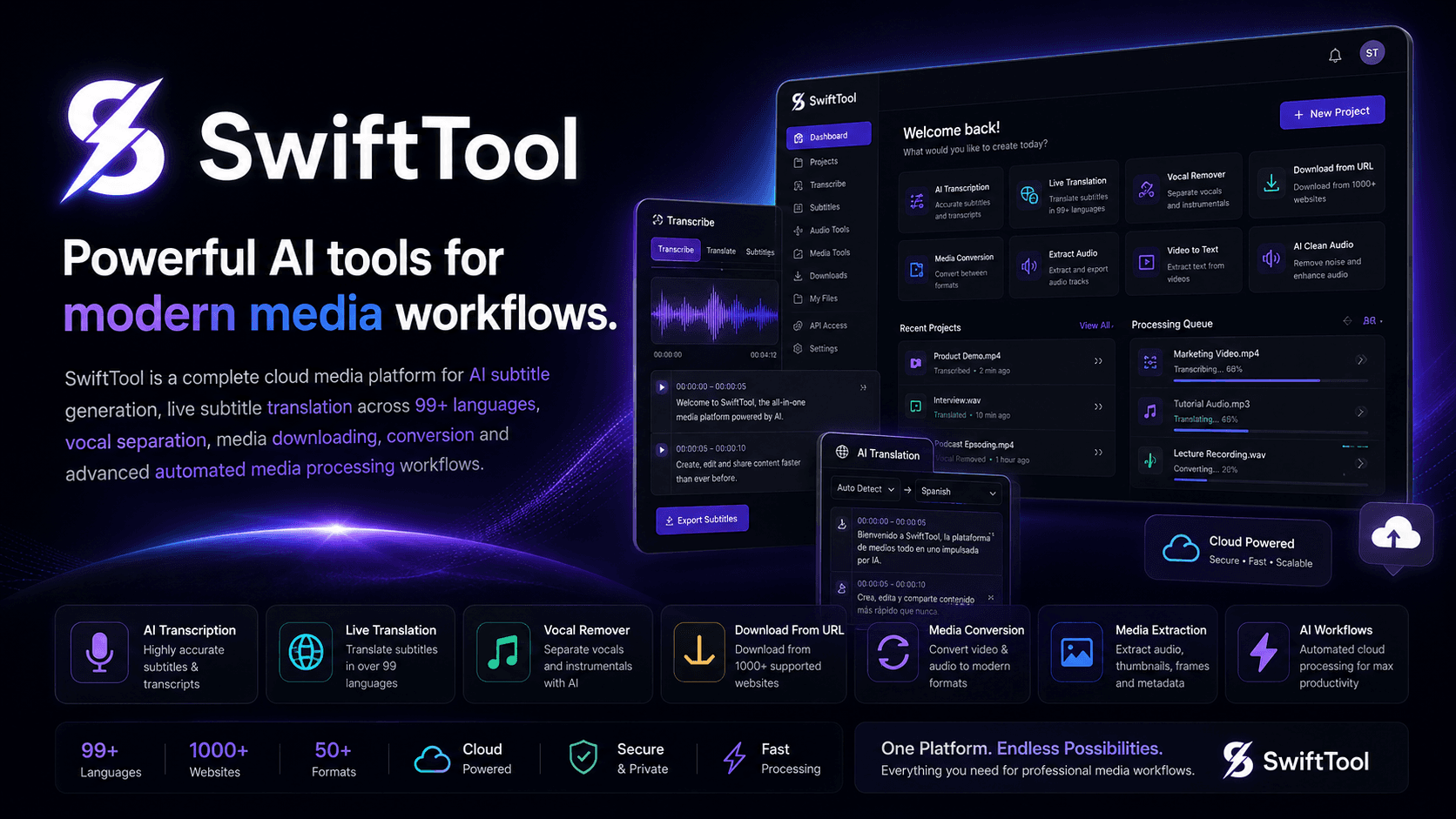
SwiftTool Studio turns messy media tasks into a focused workflow for creators, editors, agencies and automation-heavy teams.
From raw input to clean output
Each step stays connected, so files, captions and outputs move through the same workspace.
Available where work happens
Browser-based workflow dashboard
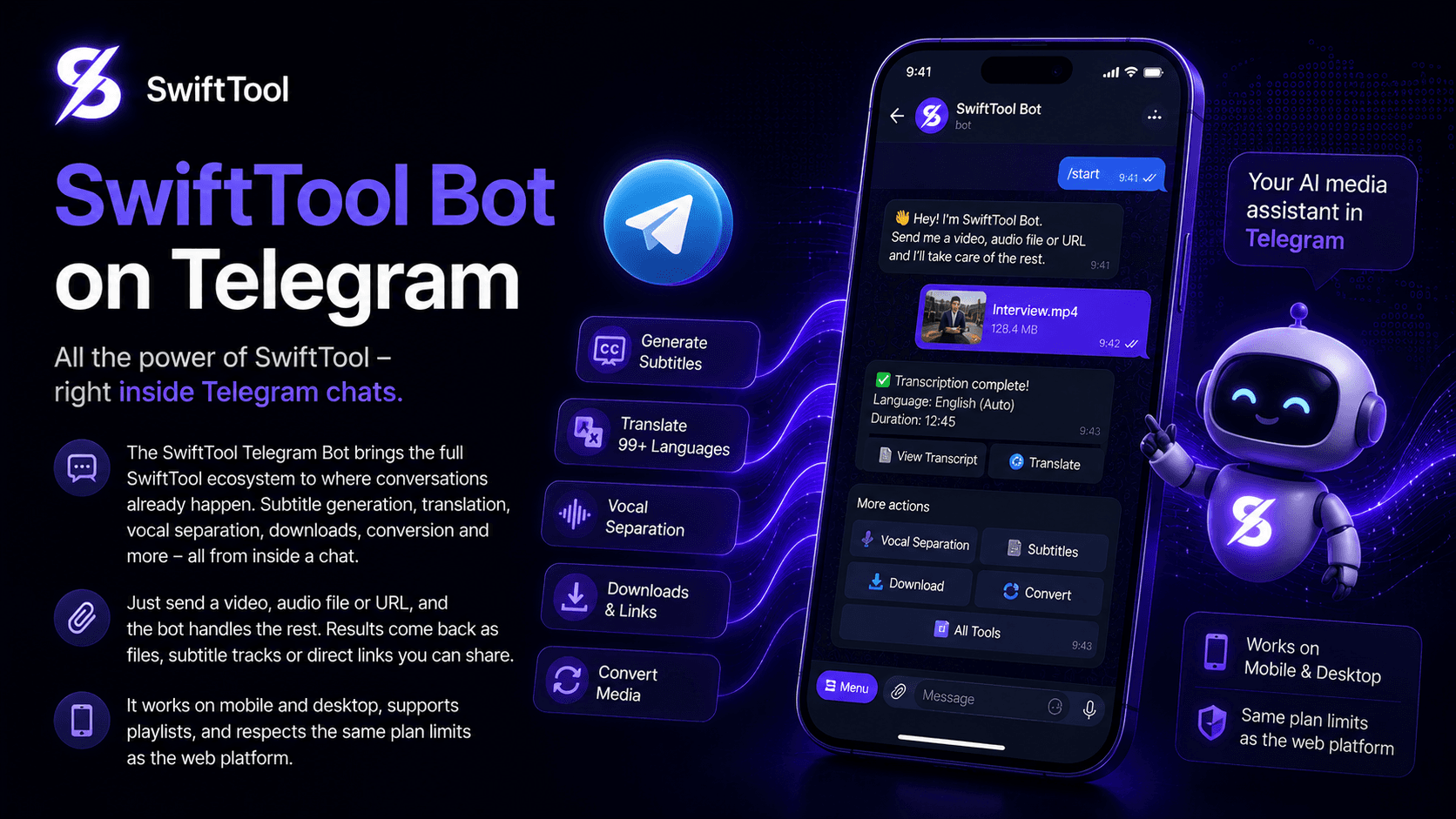
PreviewAvailable now through @swifttoolbot
LiveDesktop app for creator workflows
Coming soonDesktop app for local and cloud jobs
Coming soonMobile processing and quick uploads
RoadmapMobile workflow companion
WaitlistAutomation-ready endpoints
Private betaMultilingual by design
Detect language automatically, keep subtitle timing intact and prepare localized captions for global audiences.
Trusted workflows
SwiftTool is designed for everyday production work: batches, queue priority, clean exports, reviewable captions and privacy-aware processing.
Solutions
Generate accurate SRT, VTT and caption files from messy audio or video in minutes.
Explore solution
Translate subtitles into 100+ languages while preserving timing, tone and readability.
Explore solution
Separate vocals, drums, bass and other stems for music, karaoke and edit-ready audio.
Explore solution
Download supported media with format selection, quality controls and batch-friendly workflows.
Explore solution
Convert video, audio and caption files into reliable formats for publishing and editing.
Explore solution
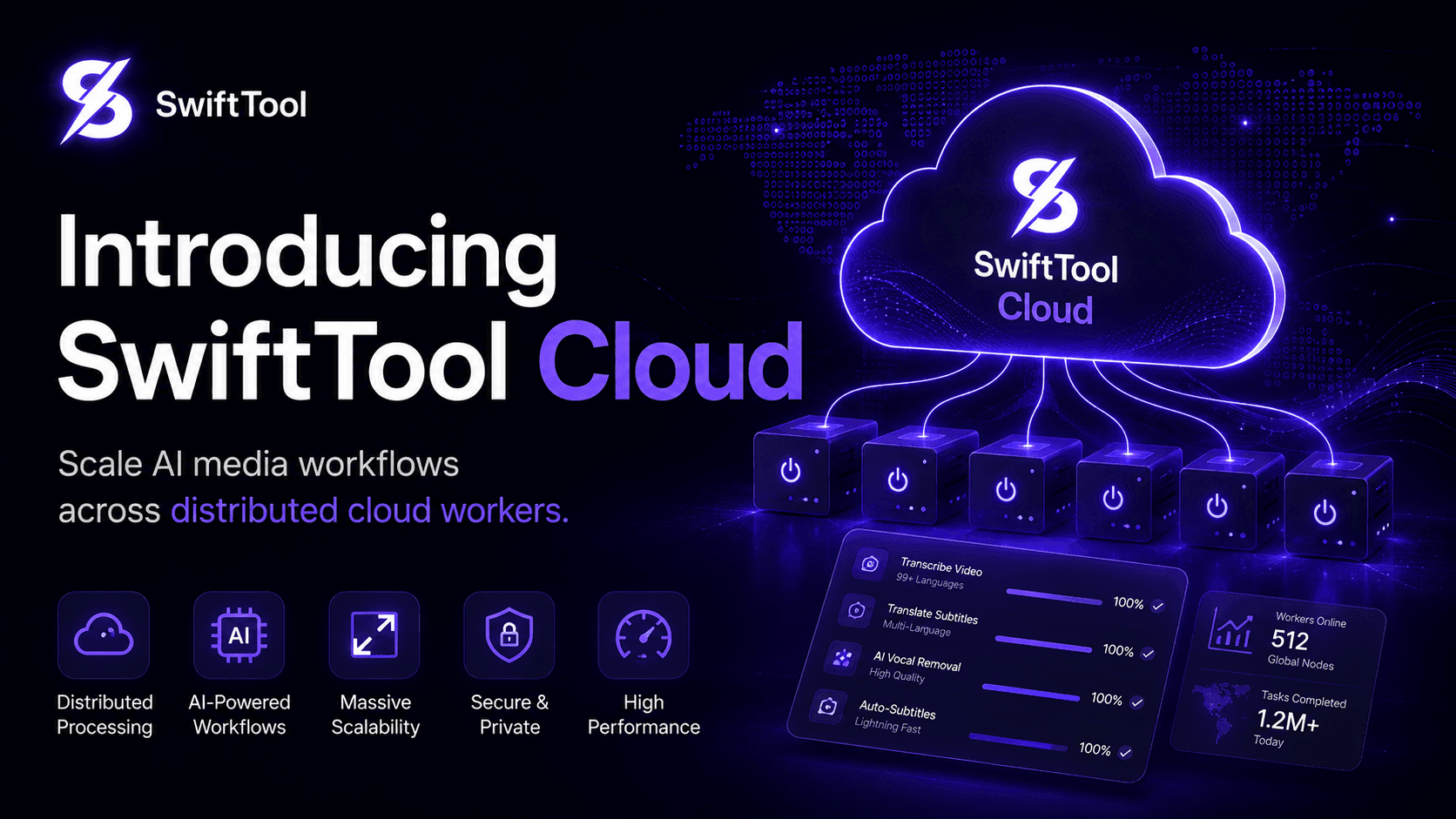
Run heavy subtitle, translation and conversion jobs through cloud workers and priority queues.
Explore solution
Connect SwiftTool to internal systems with REST-style jobs, webhooks and workflow automation.
Explore solutionBefore SwiftTool
With SwiftTool
Use cases
Use SwiftTool as the media workflow layer between raw input and clean, shareable output.
View solutionsUse SwiftTool as the media workflow layer between raw input and clean, shareable output.
View solutionsResources
Scale AI media workflows across distributed cloud workers.
Read update
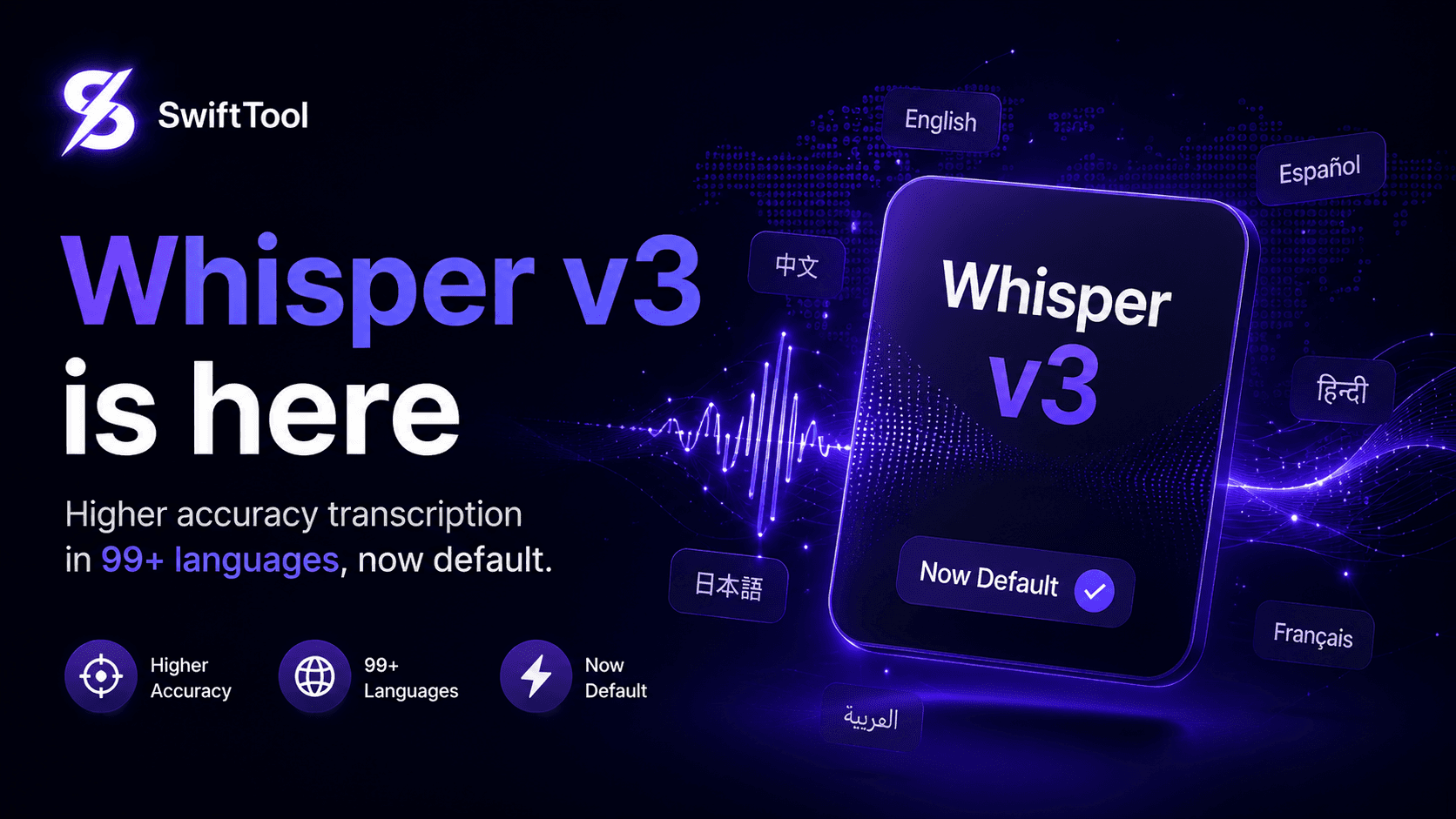
Higher accuracy transcription in 99+ languages, now default.
Read update
All the power of SwiftTool inside Telegram chats.
Read updateReady for a cleaner workflow?
SwiftTool uses necessary cookies for security and sessions. Analytics, preference and marketing storage stay off or limited until you choose your settings.
Privacy controls
Necessary cookies keep the site secure. Optional categories can be changed any time from the footer.
| Name | Category | Provider | Duration | Purpose |
|---|---|---|---|---|
PHPSESSID | Necessary | swifttool.org / app.swifttool.org | Session | Maintains secure sessions, login state, CSRF protection and form security. |
swifttool_lang | Preferences | swifttool.org / app.swifttool.org | 12 months | Stores the selected interface language when the visitor changes language. |
swifttool_cookie_consent_v1 | Necessary | Browser localStorage | Until cleared | Stores consent choices so the banner is not shown repeatedly. |
swifttool_a11y_v1 | Preferences | Browser localStorage | Until cleared | Stores accessibility display choices. |
swifttool_platform_override | Preferences | Browser localStorage | Until cleared | Remembers the selected download platform. |
Interface controls
Adjust reading, contrast, focus and motion preferences for this browser. Active options are marked clearly.